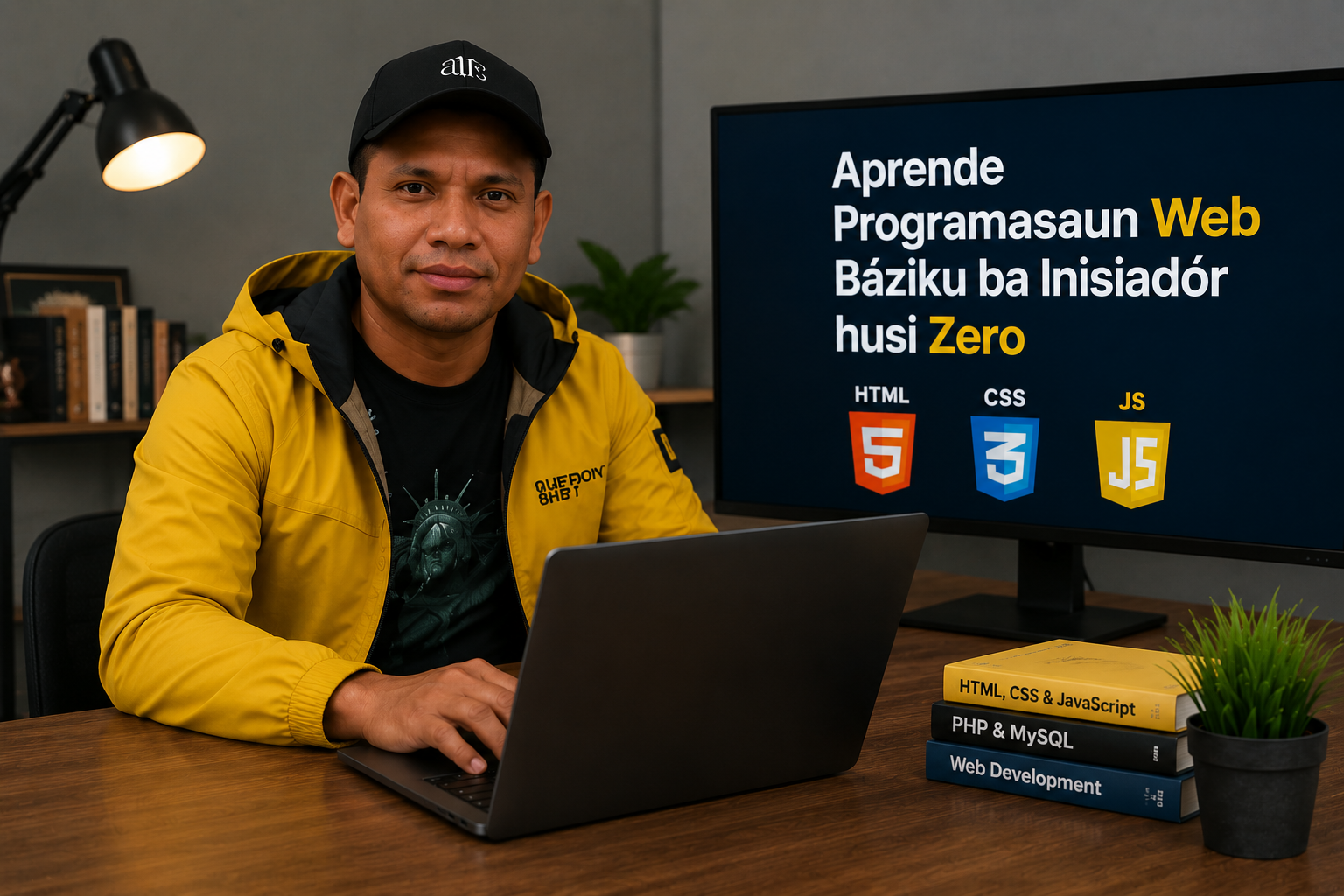
Learn Basic Beginner Web Programming from Scratch
Web programming is an important skill in today’s digital age. By learning web programming, you can create websites, online applications, and digital systems that are useful for business, education, and everyday activities. This article will help beginners to start learning web programming from scratch in a simple and easy to understand way.
What Is Web Programming?
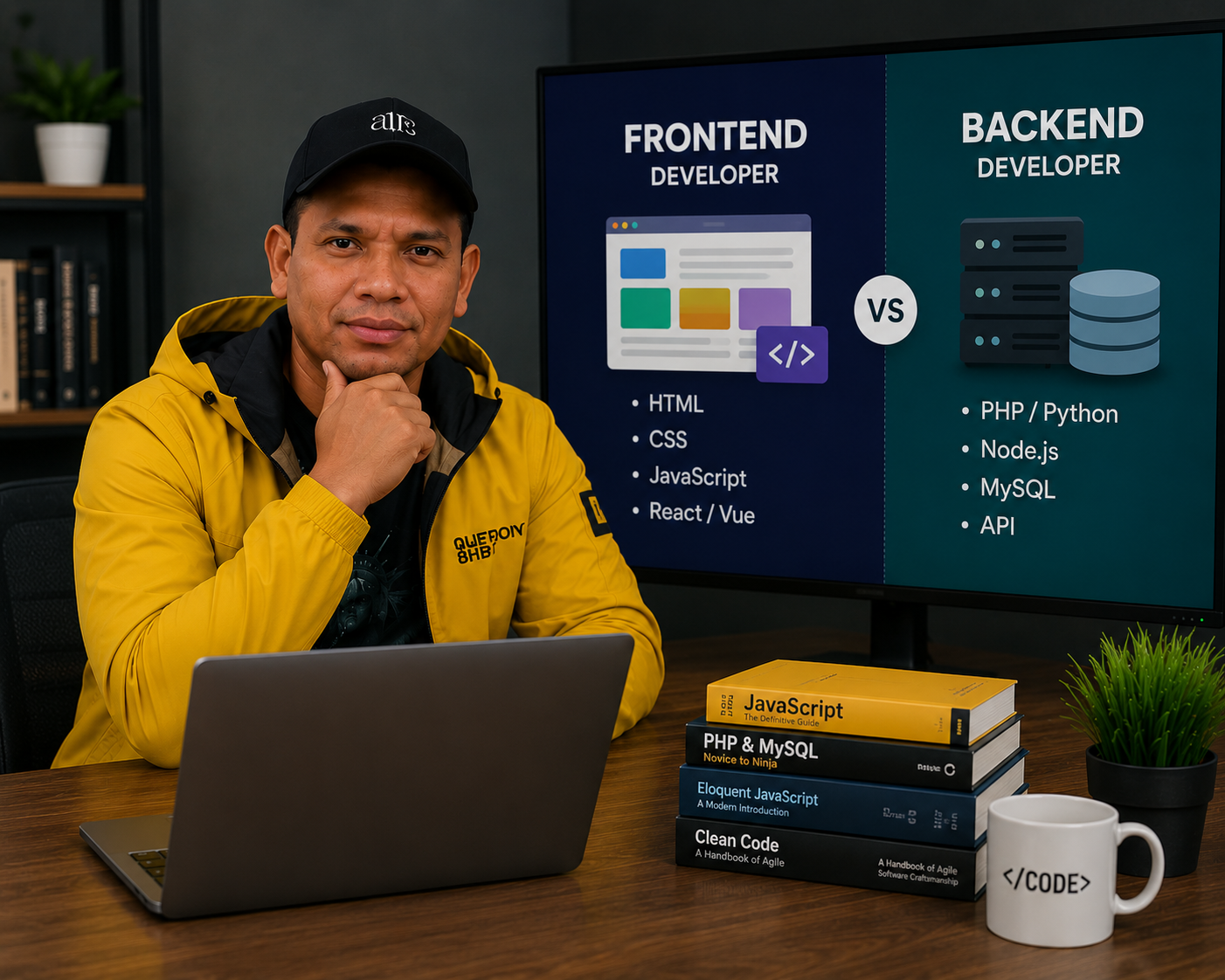
Web programming is the process of creating and developing a website using a specific programming language. A website can be as simple as a personal blog or as complex as social media and an online store.
Usually, web programming is divided into two parts:
1. Frontend
The frontend is the part of the website that the user sees directly in the browser. This part includes:
Layout
Cor
Button
Menu
Animation
Main language for frontend:
HTML
CSS
JavaScript
2. Backend
The backend is the system behind the scenes that controls website data and processes.Example:
Login system
Database
Upload image
Comment system
Popular backend languages:
PHP
Python
Node.js
Tools Needed Prepared
Before learning coding, you need to install some important software:
1. Text Editor
Text editor is used to write code.
Recommendation:
Visual Studio Code
Sublime Text
Notepad++
2. Browser
The browser is used to view website results.
Example:
Google Chrome
Mozilla Firefox
Microsoft Edge
3. XAMPP
XAMPP is used to create a local server on a computer.
In:
Apache
PHP
MySQL
Learn HTML – Website Structure
HTML (HyperText Markup Language) is the basic language for websites.
Simple HTML code example:
Website Hau Nian
What Is Web Programming?
Web programming is the process of creating and developing a website using a specific programming language. A website can be as simple as a personal blog or as complex as social media and an online store.
Usually, web programming is divided into two parts:
1. Frontend
The frontend is the part of the website that the user sees directly in the browser. This part includes:
Layout
Cor
Button
Menu
Animation
Main language for frontend:
HTML
CSS
JavaScript
2. Backend
The backend is the system behind the scenes that controls website data and processes.Example:
Login system
Database
Upload image
Comment system
Popular backend languages:
PHP
Python
Node.js
Tools Needed Prepared
Before learning coding, you need to install some important software:
1. Text Editor
Text editor is used to write code.
Recommendation:
Visual Studio Code
Sublime Text
Notepad++
2. Browser
The browser is used to view website results.
Example:
Google Chrome
Mozilla Firefox
Microsoft Edge
3. XAMPP
XAMPP is used to create a local server on a computer.
In:
Apache
PHP
MySQL
Learn HTML – Website Structure
HTML (HyperText Markup Language) is the basic language for websites.
Simple HTML code example:
Welcome to My Website
This is the first paragraph.